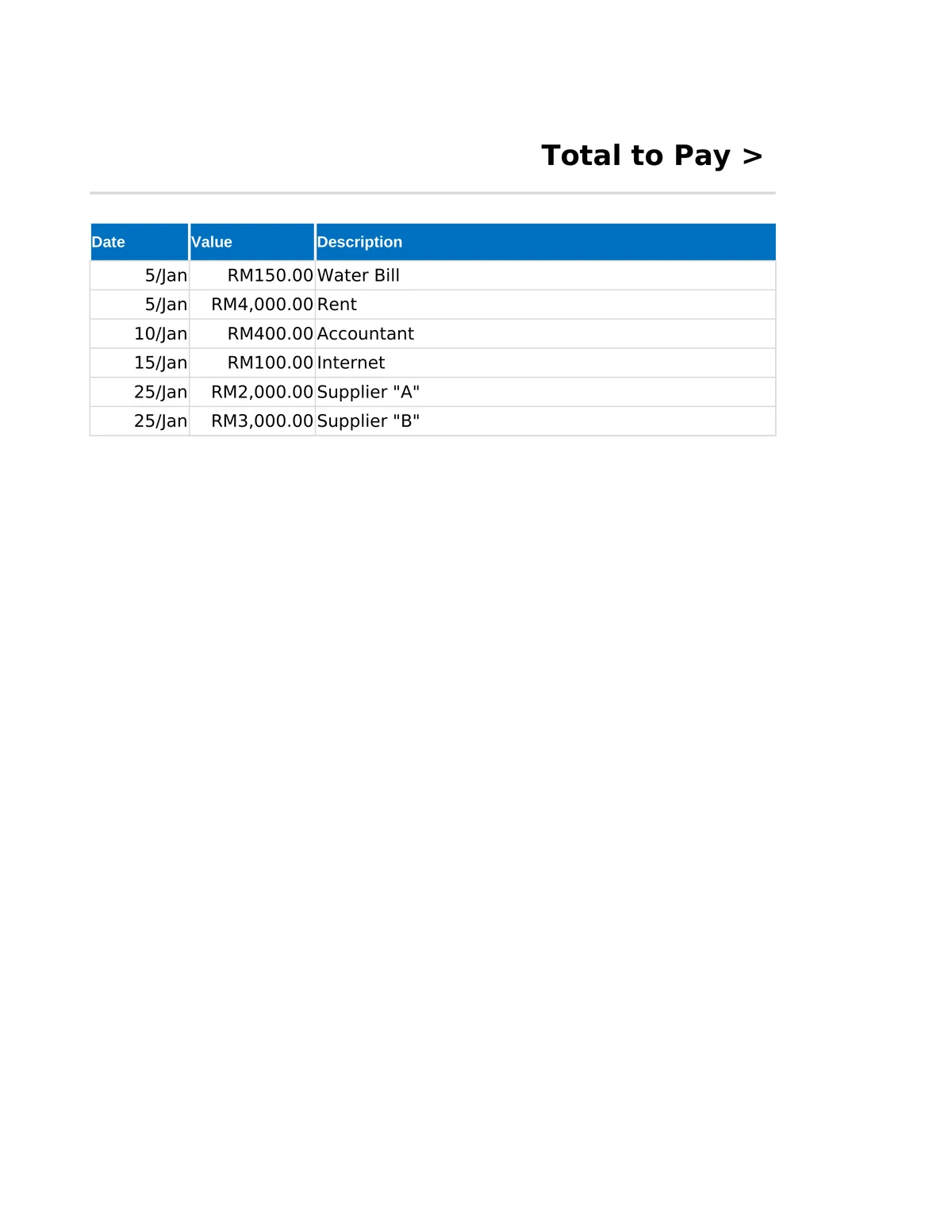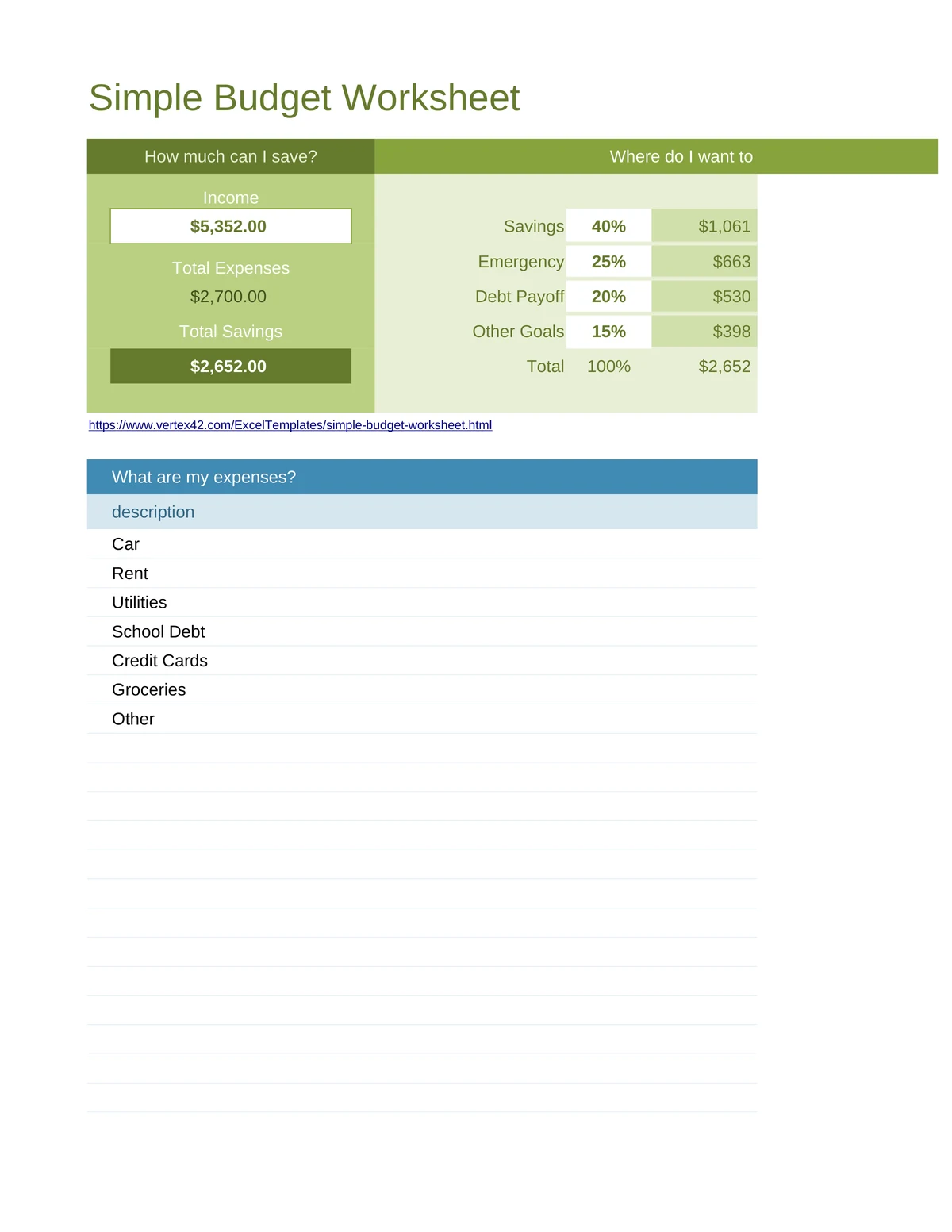
Customize Copy & Ideas with ArtAImis AI
Pick a starter prompt or write your own goal to tailor headings, categories, or layout copy for SIMPLE BUDGET TRACKER:
How to Use SIMPLE BUDGET TRACKER on Mac, iPad & Cross-Platform Office
- Download & Unzip Cleanly: Click Free Download above to fetch
simple-budget-tracker-art-1003-057.zip. Double-click in macOS Finder or tap inside the iPad Files app to extract the verified template file. - Open in Your Preferred App: Import directly into Apple Numbers or any compatible suite (Apple Numbers, Microsoft Excel, Google Sheets).
- Sync Across Devices via iCloud Drive: Save your customized copy into iCloud Drive so edits made on MacBook Pro appear immediately on iPad Pro and iPhone.
Frequently Asked Questions
How do I open SIMPLE BUDGET TRACKER on Mac, iPad, or Windows?
Download the clean ZIP package (19.5 KB), double-click on macOS Finder or iPad Files to unzip, and open the XLSX file directly in Apple Numbers, Microsoft Excel, Google Sheets.
Is SIMPLE BUDGET TRACKER completely free to download?
Yes. Individual template packages on ArtAImis are 100% free with no forced login wall. Choose the standard 12-second download preparation flow or upgrade to ArtAImis Pro for 1-click instant downloads across the full vault.
Can I customize colors, fonts, and sections?
Yes. Use native tools like Apple Keynote, Apple Numbers, Apple Pages, or GoodNotes—and use the interactive ArtAImis AI prompt assistant on this page to generate tailored headings, budgets, or copy before editing.
What is included in package ART-1003-057?
The archive includes the verified template file (7 pages) stripped of OS clutter (__MACOSX, .DS_Store, and promotional junk) so you can start working immediately.
Related Templates
View all templates →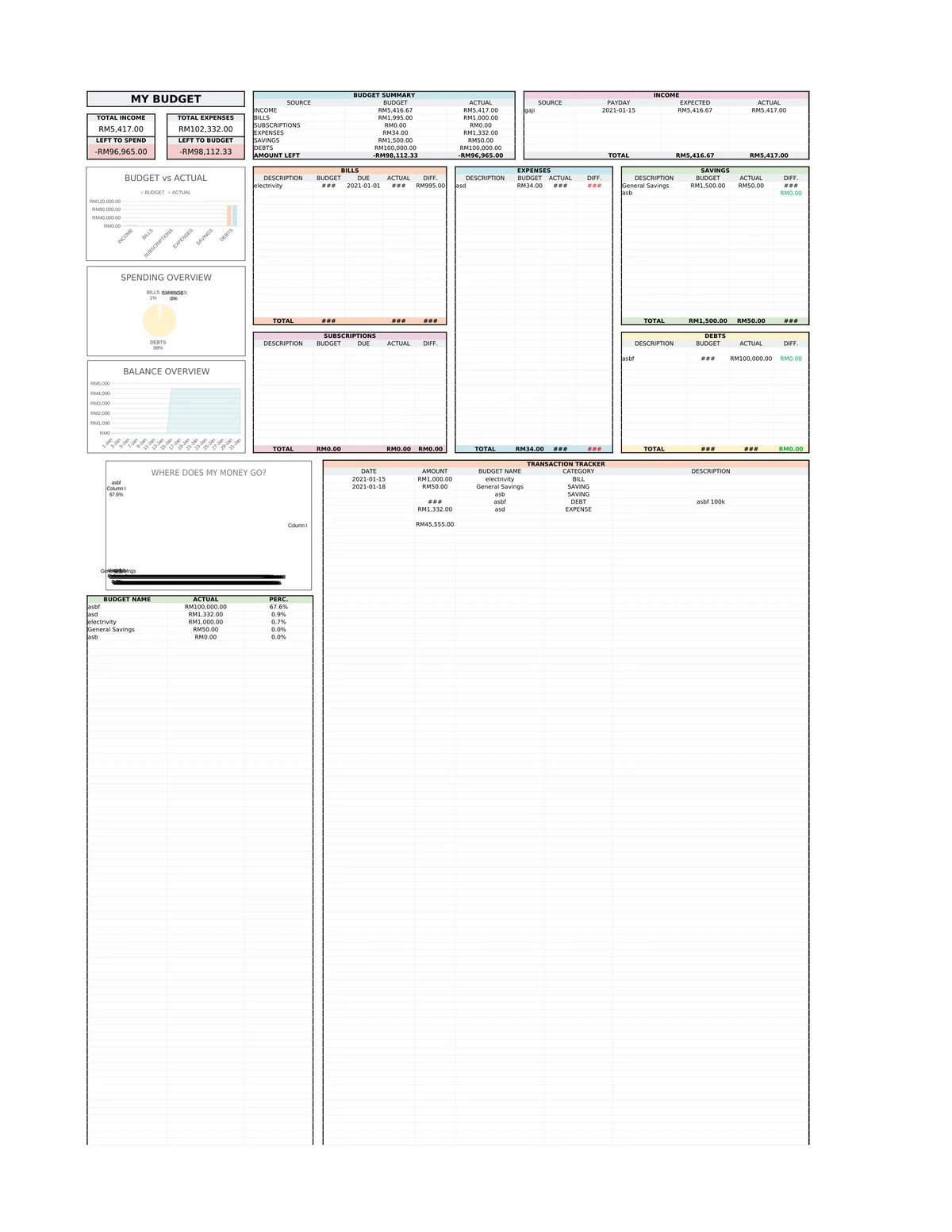
RM-UltimateMonthlyBudgetPlanner (3)
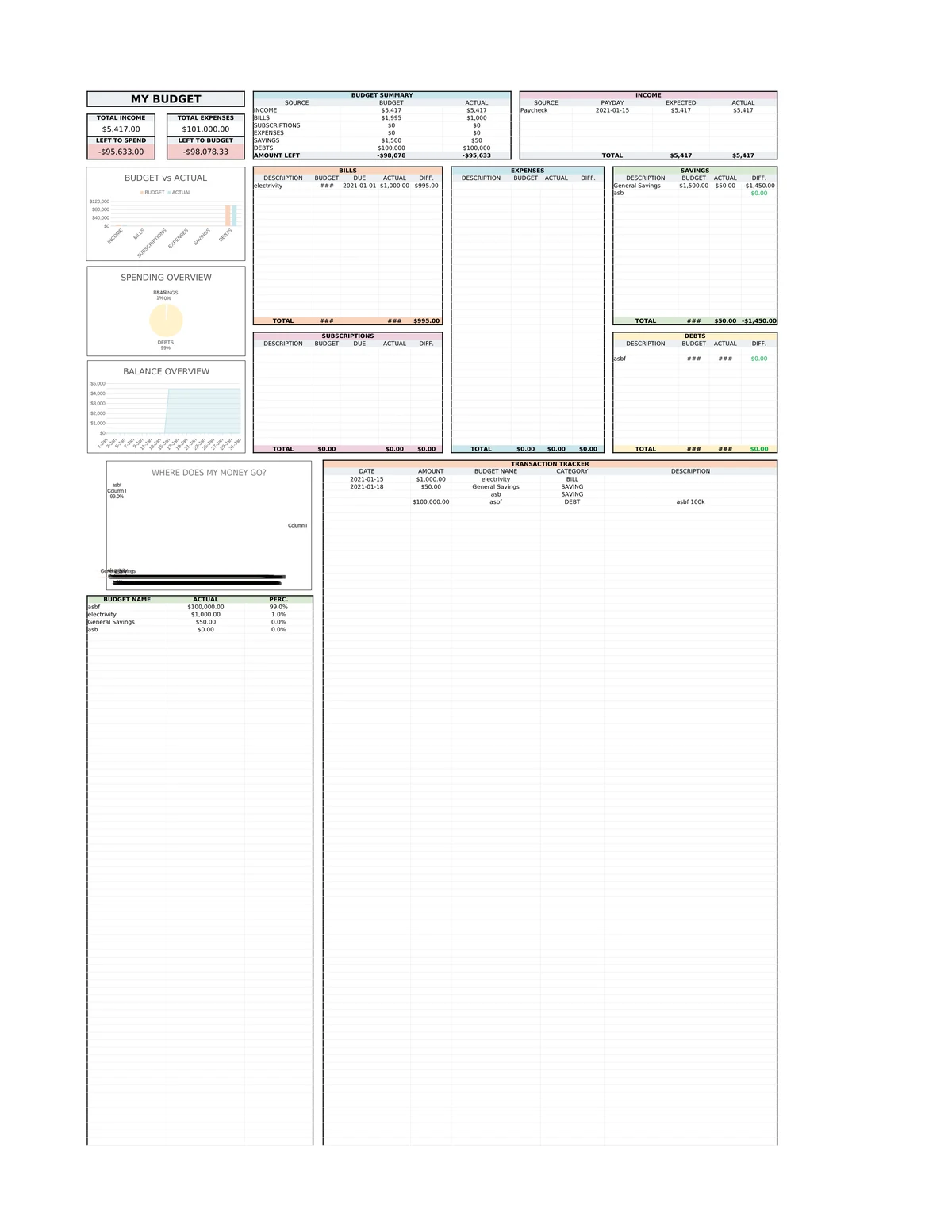
USD-UltimateMonthlyBudgetPlanner (1)
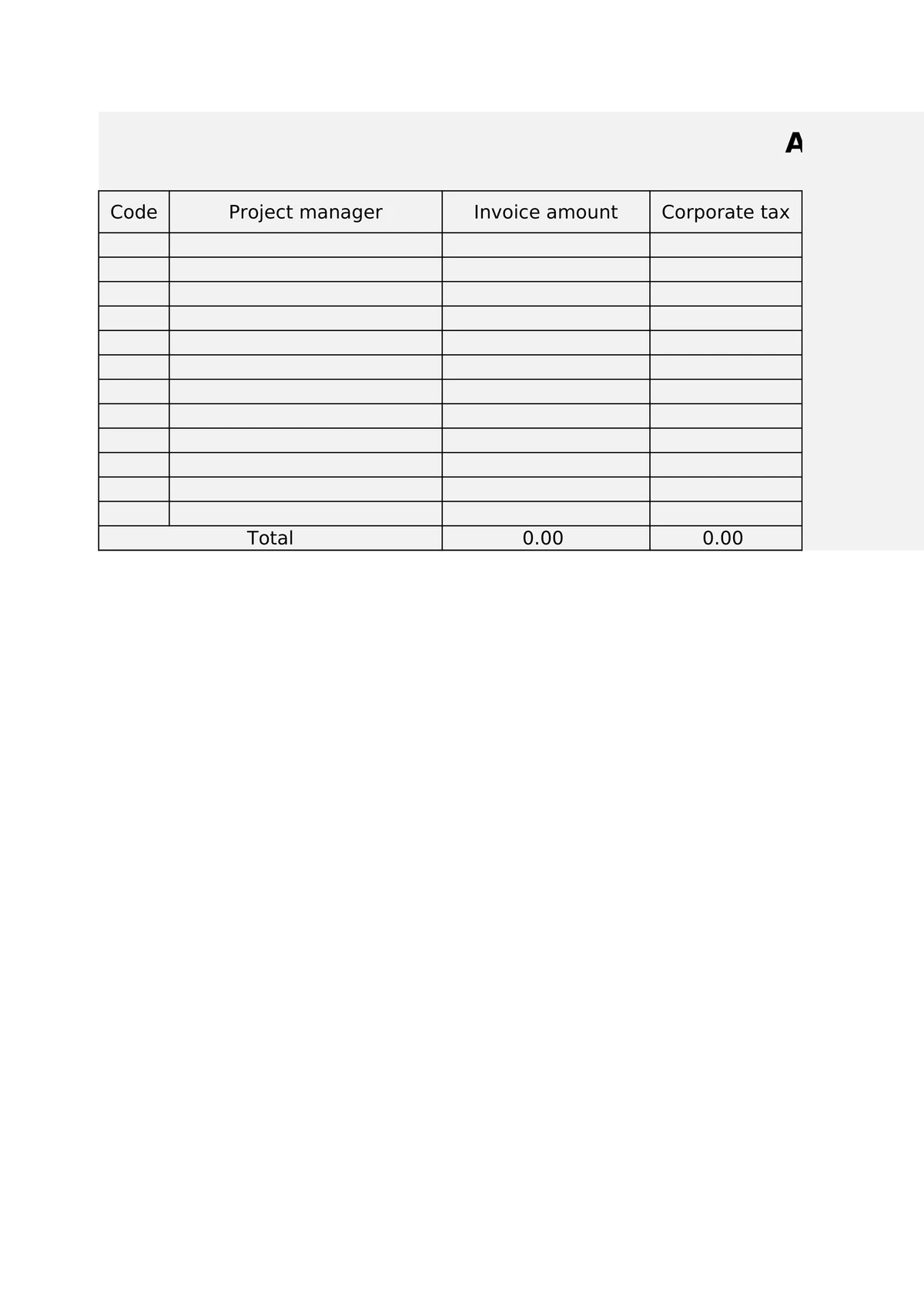
Account Receivable Details